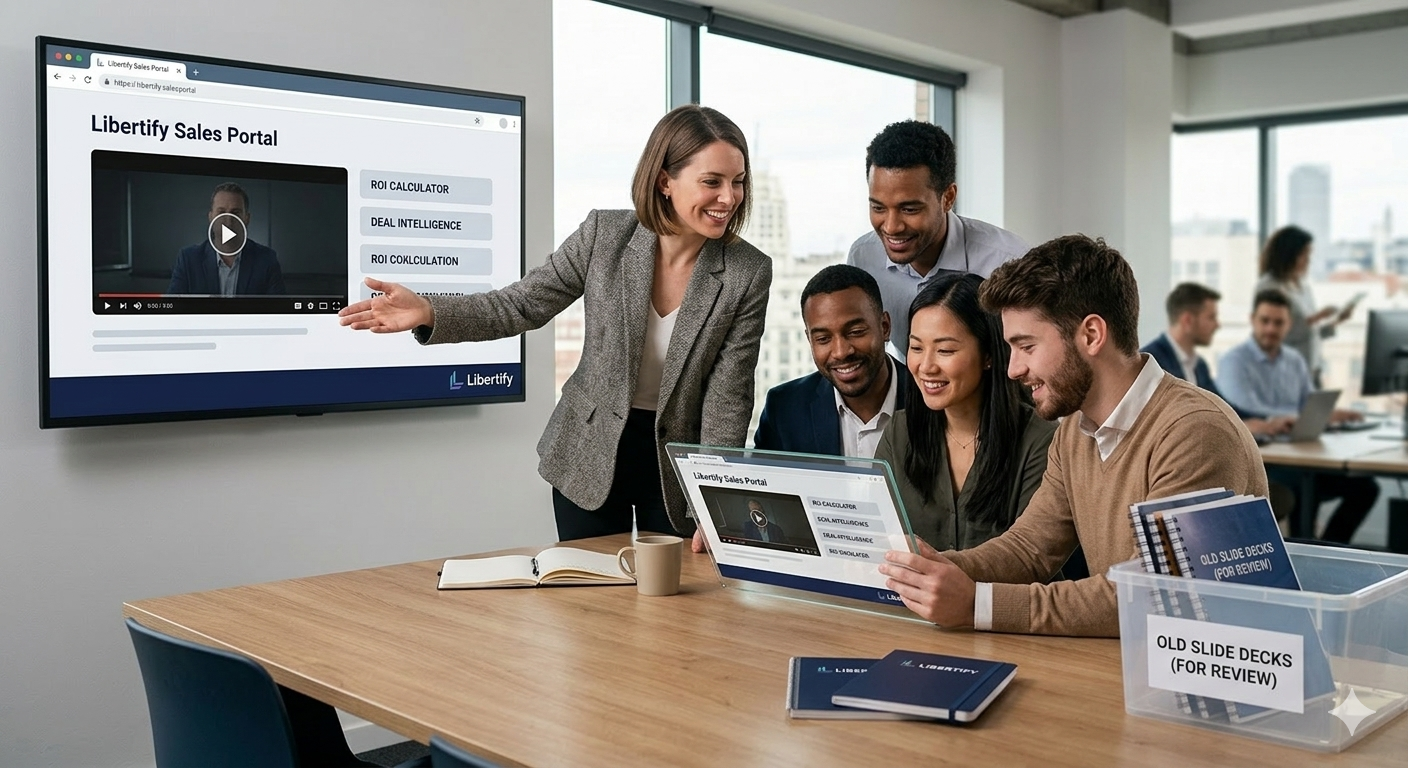
The Million-Dollar Sales Presentation Problem
Amanda, VP of Sales at a $75M ARR SaaS company, discovered a pattern that was costing them serious revenue. During her quarterly sales analysis, she saw a clear problem: their traditional presentations were failing to engage buyers.
Their top performers – reps closing 67% of qualified opportunities – were consistently deviating from the standard 34-slide sales deck. Meanwhile, average performers who followed the prescribed presentation format were closing only 28% of deals.
“Our best salespeople are essentially throwing out our official slides and winging it,” she realized during pipeline review. “Which means our ‘standardized’ presentations are actually hurting performance for 70% of our sales team.” They needed to find a better way. They needed a solution to convert sales slides to video to reach digital-native buyers who make initial decisions within seconds, not minutes.
The deeper investigation revealed the uncomfortable truth: their carefully crafted PowerPoint deck – complete with competitive comparisons, feature demonstrations, and ROI calculations – was designed for presenter convenience, not buyer engagement. Each lost deal represented an average of $84,000 in annual contract value. With 89 deals stalled in the proposal stage, Amanda was looking at potentially $7.5 million in revenue at risk because their sales presentations couldn’t compete with modern buyer expectations for interactive, personalized experiences.
The Sales Presentation Crisis That’s Crushing Win Rates
Traditional sales slide decks are systematically undermining revenue performance. This creates Predictable patterns of lost deals and extended sales cycles:
Buyer Attention Evaporation: Sales presentations lose 72% of prospect attention by slide 9. Modern buyers expect interactive, personalized experiences – not generic slide progressions that feel identical to every other vendor pitch they’ve endured.
Generic Content Penalty: Sales decks using templated slides achieve 41% lower close rates than personalized presentations. Prospects can instantly identify when they’re seeing recycled content rather than solutions tailored to their specific challenges.
Information Overload Without Comprehension: Traditional sales presentations dump 30-50 slides of information without ensuring understanding. Buyers retain only 21% of presentation content after 48 hours, making follow-up conversations ineffective and decision-making more difficult.
Remote Selling Effectiveness Collapse: In virtual selling environments, static slide presentations become attention disasters. Without physical presence and interaction cues, prospect engagement drops to near zero after 11 minutes, killing deal momentum.
Competitive Differentiation Invisibility: When every vendor uses similar slide-based presentations, genuine competitive advantages become invisible to buyers. Superior solutions lose to companies that present more engaging experiences, regardless of product quality.
Follow-Up and Reference Friction: After presentations, prospects struggle to find specific information discussed during meetings. Sales reps waste hours recreating key points in follow-up emails because slide decks don’t support easy reference or sharing.
Sales organizations clinging to traditional slide-based presentations are essentially choosing lower win rates and longer sales cycles. Meanwhile, competitors leverage interactive experiences to close deals faster and more frequently.
Key Benefits of Why You Should Convert Sales Slides to Video
Converting sales slides into video experiences goes beyond adding narration to PowerPoint presentations. Effective revenue-generating conversions restructure content delivery to match buyer psychology and decision-making processes. When you convert sales slides to video, you unlock several powerful advantages:
1. Prioritize Buyer Needs Over Feature Lists
Winning slide conversions start with the buyer’s questions and concerns. Content flows logically through buyer evaluation criteria rather than product capability sequences. This ensures you are solving their problems, not just listing your features.
2. Embed Interactive Decision Support Tools
Instead of just explaining scenarios, effective video conversions let prospects explore solutions relevant to their specific situations. Include embedded ROI calculators, configuration tools, and comparison matrices. This turns a passive pitch into an active evaluation.
3. Personalize Content Without Manual Work
Smart sales video systems adapt content based on prospect data from your CRM. Enterprise buyers automatically see scalability content, while SMB prospects focus on quick implementation wins. You get deep personalization without creating separate presentation versions.
4. Enable Multi-Stakeholder Accessibility
B2B purchases involve an average of 7.3 decision influencers. Effective sales videos are designed for easy internal sharing. This allows your champions to present your solution perfectly, even when you aren’t in the room, maintaining message consistency throughout the buying committee.
Effective sales enablement must be buyer-centric. To convert sales slides to video isn’t just a format change; it’s a strategic move to secure your revenue future.
What Makes Sales Slide Video Conversion Actually Increase Revenue
Effective sales slide transformation goes beyond adding narration to PowerPoint presentations. Revenue-generating conversions restructure content delivery to match buyer psychology and decision-making processes:
Buyer-Centric Information Architecture: Winning slide conversions prioritize buyer questions and concerns over vendor feature lists. Content flows logically through buyer evaluation criteria rather than product capability sequences.
Interactive Decision Support Tools: Rather than explaining every scenario, effective video conversions include embedded ROI calculators, configuration tools, and comparison matrices that let prospects explore solutions relevant to their specific situations.
Personalization Without Manual Customization: Smart sales video systems adapt content based on prospect data from CRM systems. Enterprise buyers see scalability content while SMB prospects focus on quick implementation wins, all without creating separate presentation versions.
Multi-Stakeholder Accessibility: B2B purchases involve average of 7.3 decision influencers. Effective sales videos are designed for internal sharing, allowing champions to present your solution without your presence while maintaining message consistency.
The Libertify Sales Slide Transformation Process
Here’s how leading sales teams are revolutionizing their buyer engagement using Libertify to convert sales slides to video:
Step 1: Slide Content Analysis and Buyer Journey Mapping
Upload your sales presentations, and Libertify’s AI analyzes content effectiveness. It identifies buyer engagement opportunities and suggests an optimal presentation flow based on sales psychology research.
Step 2: Interactive Experience Development
Transform static slides into engaging video presentations. Embed decision tools, personalized calculators, and interactive scenario exploration. Prospects participate in solution evaluation rather than passively consuming vendor pitches.
Step 3: Dynamic Personalization Engine
Create adaptive presentations that customize content based on prospect data, industry vertical, company size, or use case requirements. Each presentation feels custom-built without manual slide manipulation.
Step 4: Sales Team Performance Amplification
Standardized interactive presentations ensure every sales rep delivers consistent, high-quality experiences. New hires can achieve veteran-level presentation effectiveness immediately, accelerating ramp time and revenue contribution.
Step 5: Deal Intelligence and Optimization
Track which presentation elements correlate with closed-won outcomes, where prospects spend the most time, and what content drives pipeline progression. Use this intelligence to optimize both presentation content and sales methodology.
Revenue Impact: What Sales Teams Achieve
Here are the concrete results (with concrete numbers) sales teams have achieved by using interactive video to connect with prospective buyers. These results consistently demonstrate higher win rates, shorter sales cycles, and improved revenue outcomes:
Cybersecurity Software Company: Increased their average win rate from 31% to 52% and shortened deal cycles by 23 days on average. This led to an annual recurring revenue growth of $4.8M directly attributable to presentation improvements.
Consulting Firm: Converted their capability presentations, resulting in 78% more qualified follow-up meetings and 34% higher average project values.
Industrial Automation Company: Reduced their sales cycle from 143 days to 98 days using interactive product demonstrations.
Enterprise Software Platform: Achieved a 134% improvement in demo-to-proposal conversion rates. Prospects who engaged with embedded tools were 2.8x more likely to advance through pipeline stages.
The pattern is unmistakable: interactive sales presentations consistently outperform traditional slides across every metric that drives revenue – win rates, deal velocity, average contract values, and competitive win rates.
Ready to Transform Your Sales Slides Into Deal-Closing Machines? Stop losing deals to more engaging competitors. Convert your sales presentations into interactive video experiences that prospects actually remember and share internally.
Upload your sales slides and see how quickly they transform into interactive presentations that close more deals. No credit card required, get your first revenue-generating presentation live in 25 minutes.
Transform your static sales slides into interactive experiences that close more deals and shorten sales cycles. Start converting presentations with Libertify →
Frequently Asked Questions
Q: How do interactive sales videos perform in virtual selling environments?
A: Interactive presentations excel in virtual settings where traditional slides fail. Prospects click, explore, and engage rather than sitting passively through screen shares. This maintains attention and creates memorable experiences that differentiate you from typical Zoom presentations.
Q: Can we track prospect engagement with our sales presentations?
A: Yes. Detailed analytics show which prospects viewed your presentation, time spent on each section, which interactive elements they used, and where engagement dropped. This intelligence transforms follow-up conversations from generic check-ins to strategic discussions.
Q: How do we customize presentations for different buyer personas without creating multiple slide decks?
A: Interactive presentations adapt dynamically based on CRM data or prospect selection choices. Technical buyers see detailed implementation information while executives focus on business outcomes and ROI, all within the same presentation link.
Q: What if prospects want to share presentations internally with colleagues?
A: Interactive sales presentations are designed for internal sharing and multi-stakeholder evaluation. Prospects can easily forward presentation links to colleagues, who can explore sections relevant to their evaluation criteria independently.
Q: How do we measure presentation ROI compared to traditional sales decks?
A: Track correlation between presentation engagement and deal progression metrics. You’ll see which presentation elements predict closed-won outcomes, allowing continuous optimization based on actual revenue impact rather than just engagement statistics.
Q: Can we integrate presentation data with our CRM and sales process?
A: Absolutely. Engagement data flows into popular CRM platforms including Salesforce, HubSpot, and Pipedrive. Sales reps see prospect interaction history directly in deal records, informing follow-up strategy and sales coaching opportunities.