Proposal tracking software promises to tell you what happens after you hit send. Most of it keeps that promise — partially. You learn that a prospect opened the proposal. You see which pages they spent time on. You get a notification when they forwarded it to a colleague. For most sales teams, that feels like enough. However, it raises a harder question: if a prospect spent 14 minutes on your pricing page and still went dark, what did they actually understand? And what should you do next?
Specifically, the gap between “tracked” and “understood” is where most proposal tracking software stops short. This guide compares the leading options in 2026 — PandaDoc, DocSend, and Libertify — and helps you decide which one matches what your team actually needs.
Why proposal tracking software matters in 2026
Today, the average B2B proposal touches four or five stakeholders before a decision gets made. Furthermore, sales cycles have lengthened — the window between send and signature is wider than it was three years ago. As a result, knowing exactly where your proposal stands at each moment is no longer a nice-to-have.
First, proposal tracking software removes the guesswork from follow-up. Instead of emailing a prospect two days after sending and hoping for the best, you follow up the moment the data tells you to. Second, it tells you which sections landed and which created confusion — information that makes every future proposal sharper. Third, it gives revenue leaders visibility across the whole pipeline, not just the deals reps choose to update in the CRM.
The question isn’t whether to use proposal tracking software. The question is how deep you need the tracking to go.
What most proposal tracking software actually measures
Before comparing tools, it helps to understand what standard proposal tracking covers — and where it stops.
Most proposal tracking software reports on four signals:
- Opens — when the document was first opened and by whom
- Time on page — how long each page held the reader’s attention
- Forwards — whether the proposal reached additional stakeholders
- Completion — whether the recipient scrolled to the last page
These signals are genuinely useful. For example, a proposal opened within 10 minutes of sending suggests high interest. A prospect who spent 6 minutes on your pricing section and then forwarded the document to three colleagues is likely in active evaluation.
However, none of these signals tells you what the prospect understood. They don’t tell you which objection is forming, what confused them, or what question they didn’t ask because they didn’t want to look uninformed. That layer is where standard proposal tracking software ends — and where document intelligence begins.
The best proposal tracking software in 2026 compared
| Feature | PandaDoc | DocSend | Libertify |
|---|---|---|---|
| Works on existing PDFs / PPTs | Partial | ✓ | ✓ |
| Page-level open analytics | ✓ | ✓ | ✓ |
| Forward / stakeholder tracking | ✓ | ✓ | ✓ |
| Reader questions captured | — | — | ✓ |
| Comprehension signals | — | — | ✓ |
| AI-guided walkthrough for reader | — | — | ✓ |
| E-signature built in | ✓ | ✓ | — |
| Starting price | $19/user/mo | $10/user/mo | $25/user/mo |
| SOC 2 | ✓ | ✓ | ✓ |
PandaDoc — proposal tracking software for creation-first teams
PandaDoc bundles proposal tracking into a full document workflow — creation, e-signature, payment, and analytics in one platform. Its tracking layer reports opens, time-on-page, and completion, and notifies reps the moment a prospect opens a document. Notably, its Business plan at $49/user/month adds CRM integrations with HubSpot, Salesforce, and Pipedrive, which turns tracking data into CRM activity automatically.
However, PandaDoc’s tracking depth mirrors most of the category — opens and time, not comprehension. It also requires building proposals inside PandaDoc itself, which means your existing PDFs and decks need to be rebuilt or uploaded and converted.
Best for: SMB and mid-market sales teams that want proposal creation, e-signature, and basic tracking in one tool.
DocSend — proposal tracking software for secure sharing
By contrast, DocSend works on top of your existing documents. Upload a PDF or PowerPoint and share it via a tracked link. Prospects can’t download or forward without your knowledge. In return, you get open data, page-level heatmaps, and stakeholder visibility. As the original document tracking tool, DocSend’s strength is simplicity — it’s fast to set up and easy to explain to a team.
The trade-off is that DocSend’s analytics haven’t moved much beyond those original signals. DocSend’s Standard plan runs $45/user/month, and it doesn’t capture what readers asked, what confused them, or what their next move is likely to be.
Best for: Sales and IR teams that need secure document sharing with basic engagement tracking.
Libertify — proposal tracking software built on comprehension
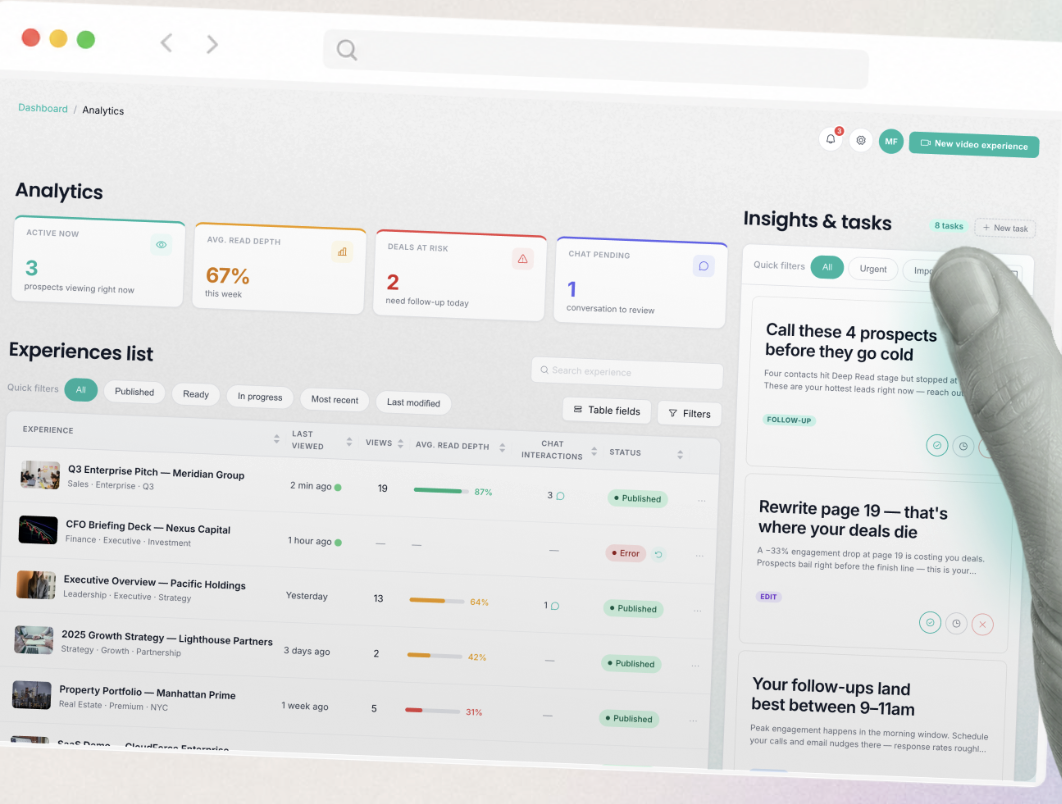
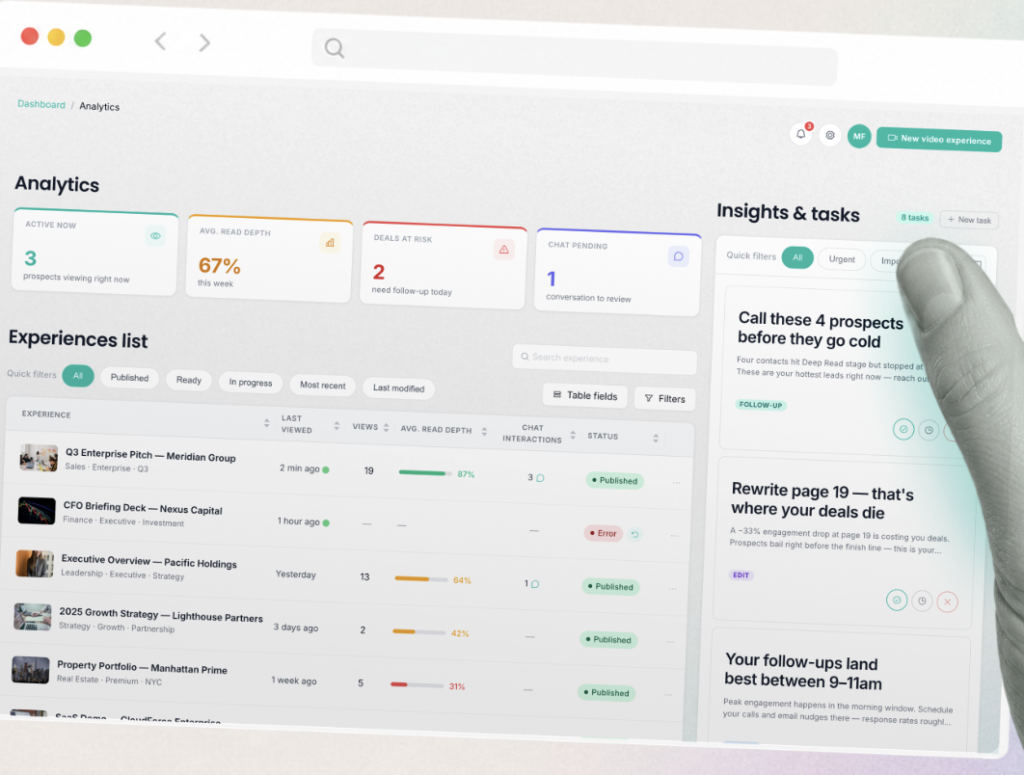
Libertify approaches proposal tracking from a different angle. Instead of simply recording opens and time-on-page, it turns every proposal into a two-way signal. First, readers get a guided AI walkthrough and an in-document assistant that answers questions grounded in the document’s content — no hallucinations, no leakage outside the document. Meanwhile, senders receive a stream of comprehension signals: which sections were re-read, which were skipped, what questions the prospect asked, and what confused them.
Consequently, Libertify converts those signals into the next move — specifically, which prospect to call first, which objection to address, and which section to rewrite. It works on PDFs, PowerPoints, and Word docs without any rebuild, and goes from upload to first send in about three minutes.
Teams at Amundi, Société Générale, EY, Generali AM, and ODDO BHF use Libertify today. Beyond standard proposal tracking, it fits particularly well for asset managers, consulting firms, and sales teams where the proposal carries real commercial consequence. Explore Libertify use cases to see how it applies to your workflow.
Best for: Sales, consulting, and IR teams that send high-stakes documents and need to know not just who opened the proposal, but what they understood.
How to choose the right proposal tracking software for your team
First, ask what problem you’re actually solving. If your core issue is proposal creation speed and getting signatures faster, PandaDoc is the right fit. If your issue is secure sharing and basic engagement visibility, DocSend covers it. However, if your issue is not knowing what happens to a proposal after it leaves your hands — who engaged, what confused them, what to do next — Libertify addresses that directly.
Second, consider your document workflow. PandaDoc works best when you build inside it. DocSend and Libertify both work on top of your existing documents, so there’s no rebuild required.
Third, think about your ICP. For regulated industries — asset management, legal, compliance — a SOC 2 certified tool with comprehension analytics is not just useful, it’s defensible. All three options here carry SOC 2, but only Libertify surfaces what the regulated reader actually understood.
Frequently asked questions
What is proposal tracking software? Proposal tracking software records what happens after you send a document — who opened it, how long they spent on each section, whether they forwarded it, and in some cases, what they asked and what they understood. Teams use it to time follow-ups and improve proposals over time.
What is the difference between DocSend and Libertify for proposal tracking? DocSend tracks opens, page-level time, and forwards. Libertify tracks those same signals and adds comprehension analytics — what the reader understood, what they asked, and what to do next.
Can proposal tracking software tell you what a prospect understood? Most cannot. Standard proposal tracking software reports behavioral signals: opens, time, scroll. Libertify adds a comprehension layer — capturing reader questions, skip patterns, and re-read sections — which tells you what actually landed.
Is proposal tracking software worth it for small sales teams? Yes, particularly if your deals involve complex, multi-stakeholder proposals. Even one well-timed follow-up based on tracking data can recover a deal that would otherwise go quiet.
Know what your proposal actually did
Stop following up on a calendar. Follow up on the signal. Upload your next proposal to Libertify and see your first comprehension insights in about three minutes. Start with Libertify →